
Download the mobile app to start charging
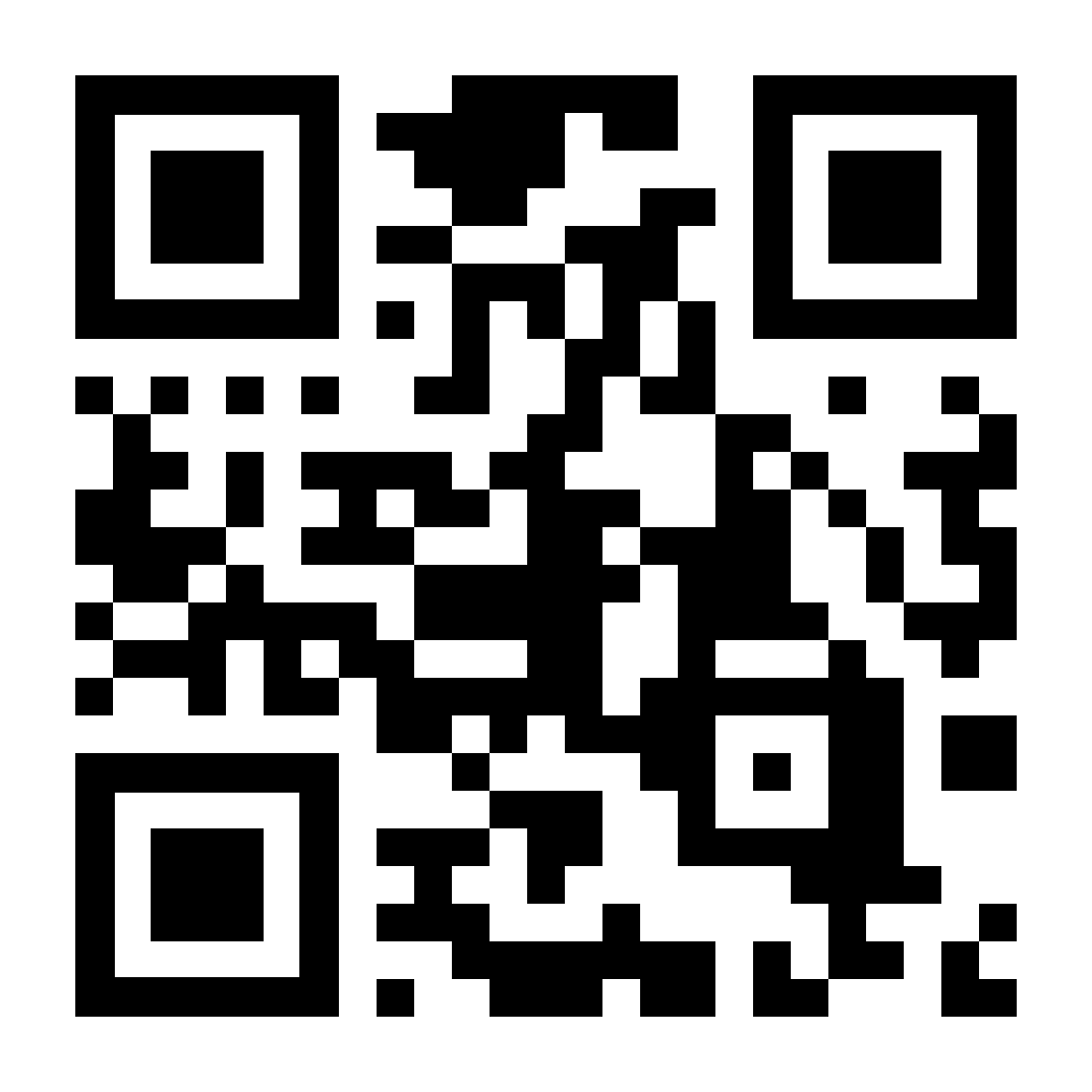
Point your camera
and download the free
EV-time app
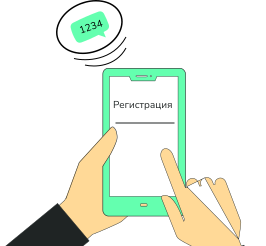
Register
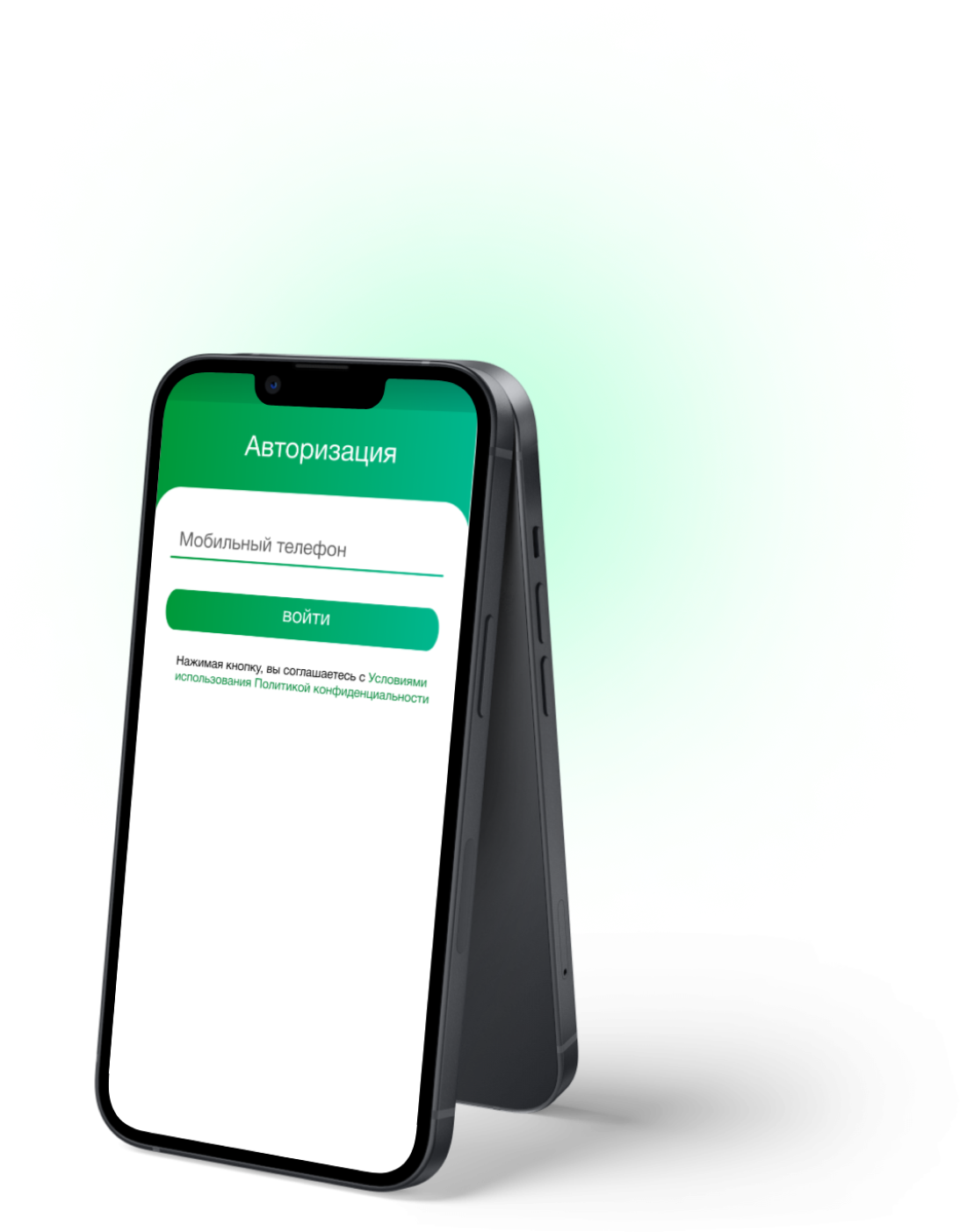
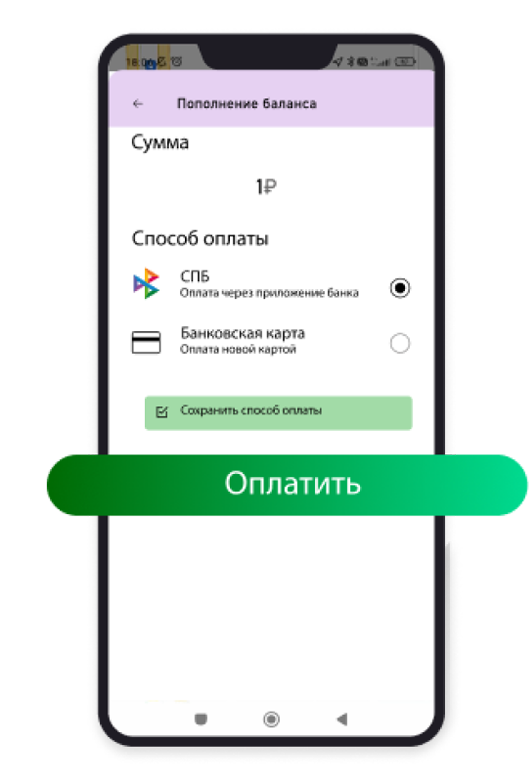
Sign a contract as a legal entity
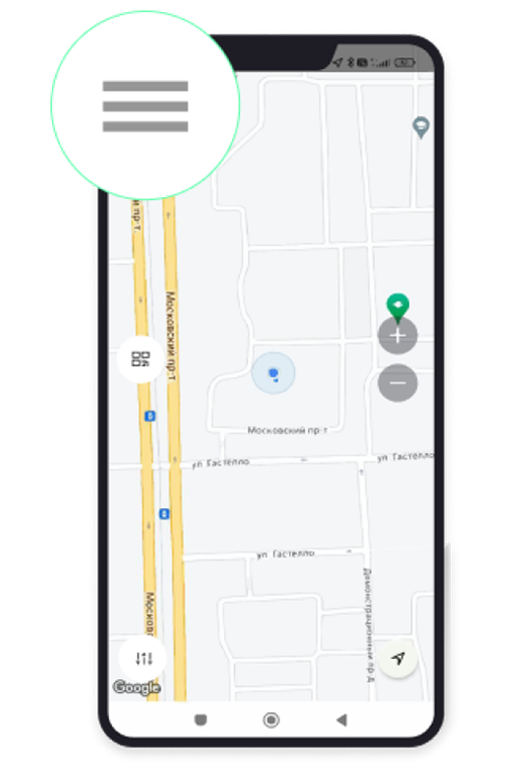
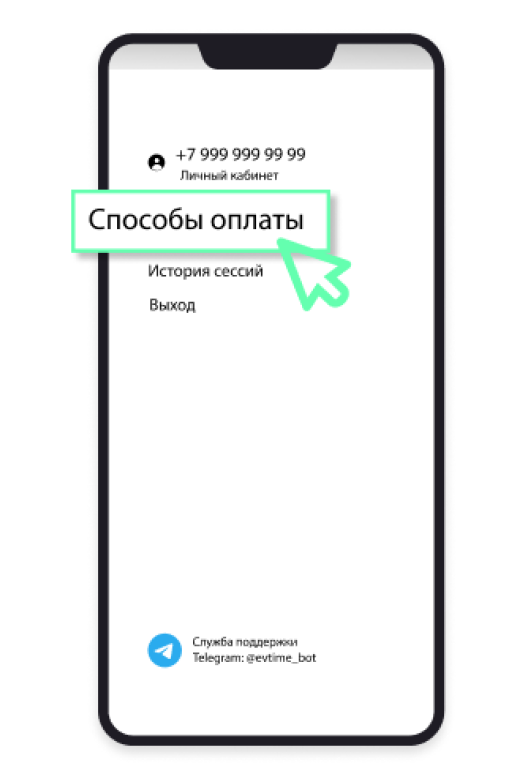
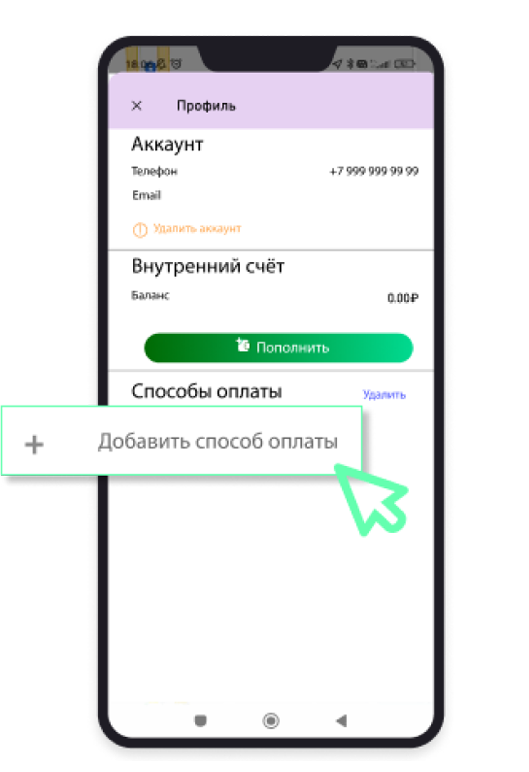
Add a convenient payment method:
Sign a contract as a legal entity
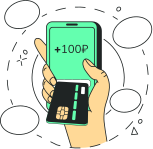
1. Having a linked bank card (the balance cannot be negative)
2. Positive balance
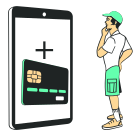
A card must be linked even if the charging network is free
Most charging stations in our network provide charging services for a fee
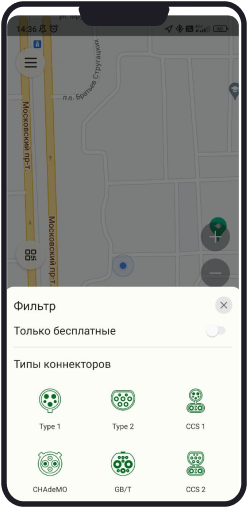
You can check the tariff by clicking on a specific charging station
You can:

If there is an outstanding debt, you will not be able to charge; you will need to settle the debt first.


If charging is done via an adapter that has a battery (e.g., CCS to GBT), the adapter itself must be charged.

Open in Google Play

Open in App Store

Open in AppGallery
Before launching the App, make sure there are no available updates in the App Store or Google Play
To make the app convenient, we constantly improve it
Update the mobile app to the latest version
After starting a charging session, a screen will appear with the session number and current parameters: power, time, kWh consumed, and current charging status
The first actual metrics usually arrive not immediately, but after 30-60 seconds
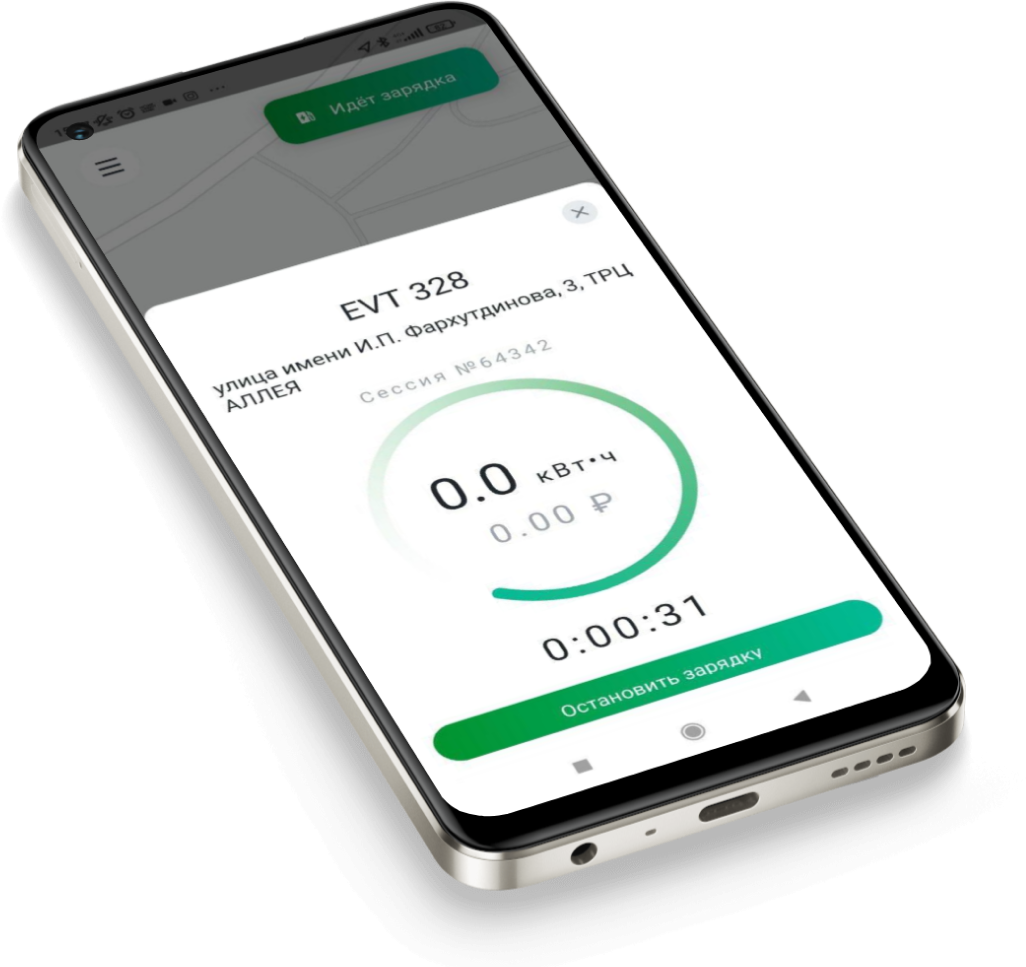
Some charging stations transmit data to the system only at the end of the session
You can monitor the charging process or close the app – don't worry, the session will not be interrupted and will remain available!
You can stop charging your electric vehicle at any time by pressing the "Stop Charging" button in the app
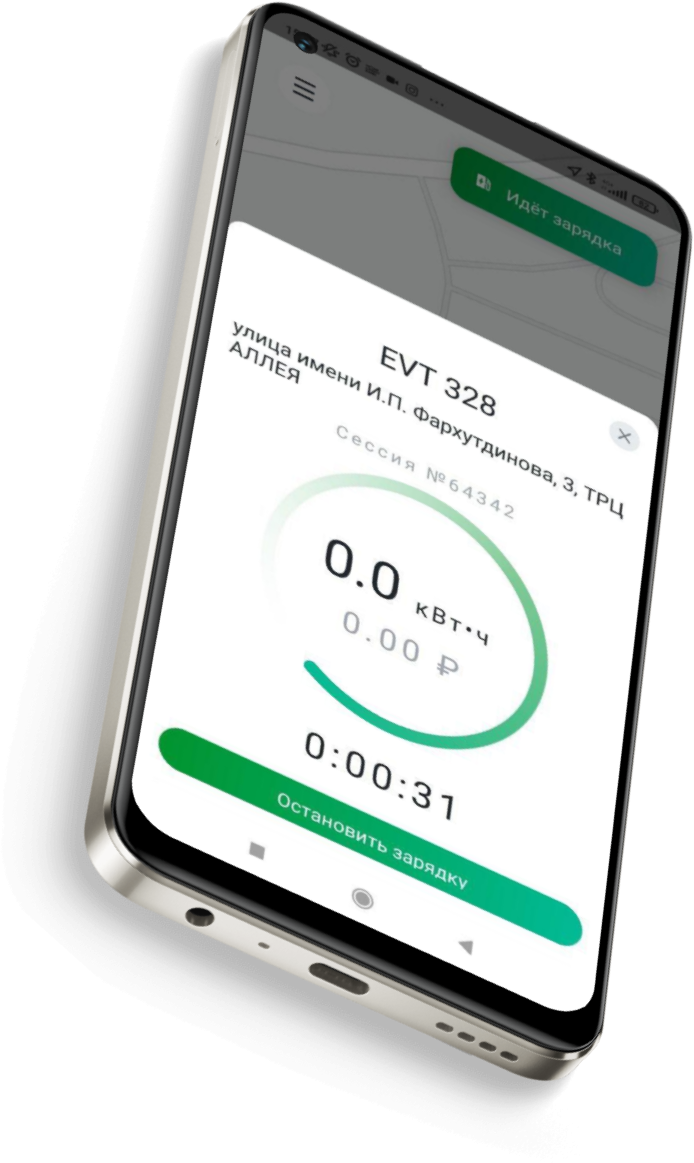
Once the electric vehicle is fully charged, the charging session will end automatically
Information about the charging session will be displayed in the app, and an electronic receipt will be sent to the email specified in your personal account
* if the deduction is made from a bank card, the receipt will arrive after payment for the session; if the deduction is made via SBP, then at the time of topping up the personal account
The charging cable unlocks after stopping the session in the app. If you stopped the session, but the cable is locked and won't come out, follow the instructions or contact support


Used only for emergencies or upon the recommendation of a support specialist
* the red button does not reboot the station, does not reset errors
© All rights reserved LLC "EV-Time", INN: 7839070643, 2016-2024

Share your opinion about our work, ask us any question you are interested in, or request additional information

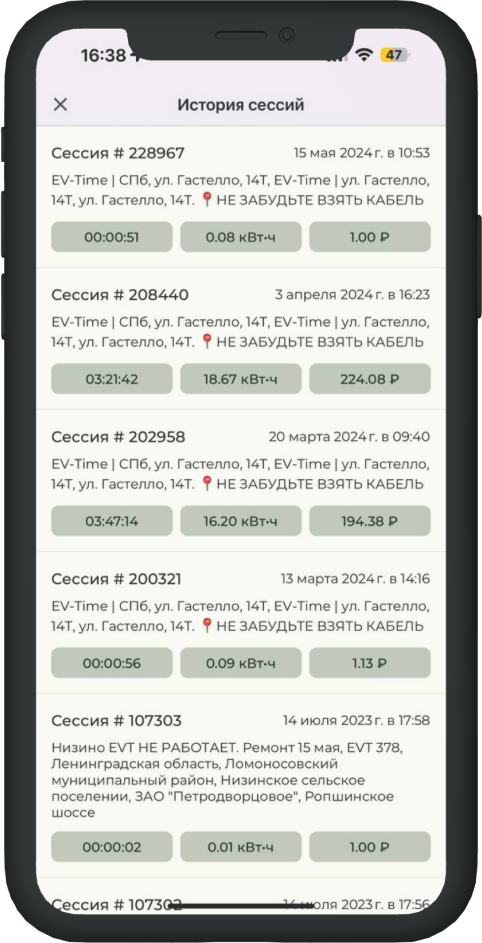 Your charging history is available in the Session History section